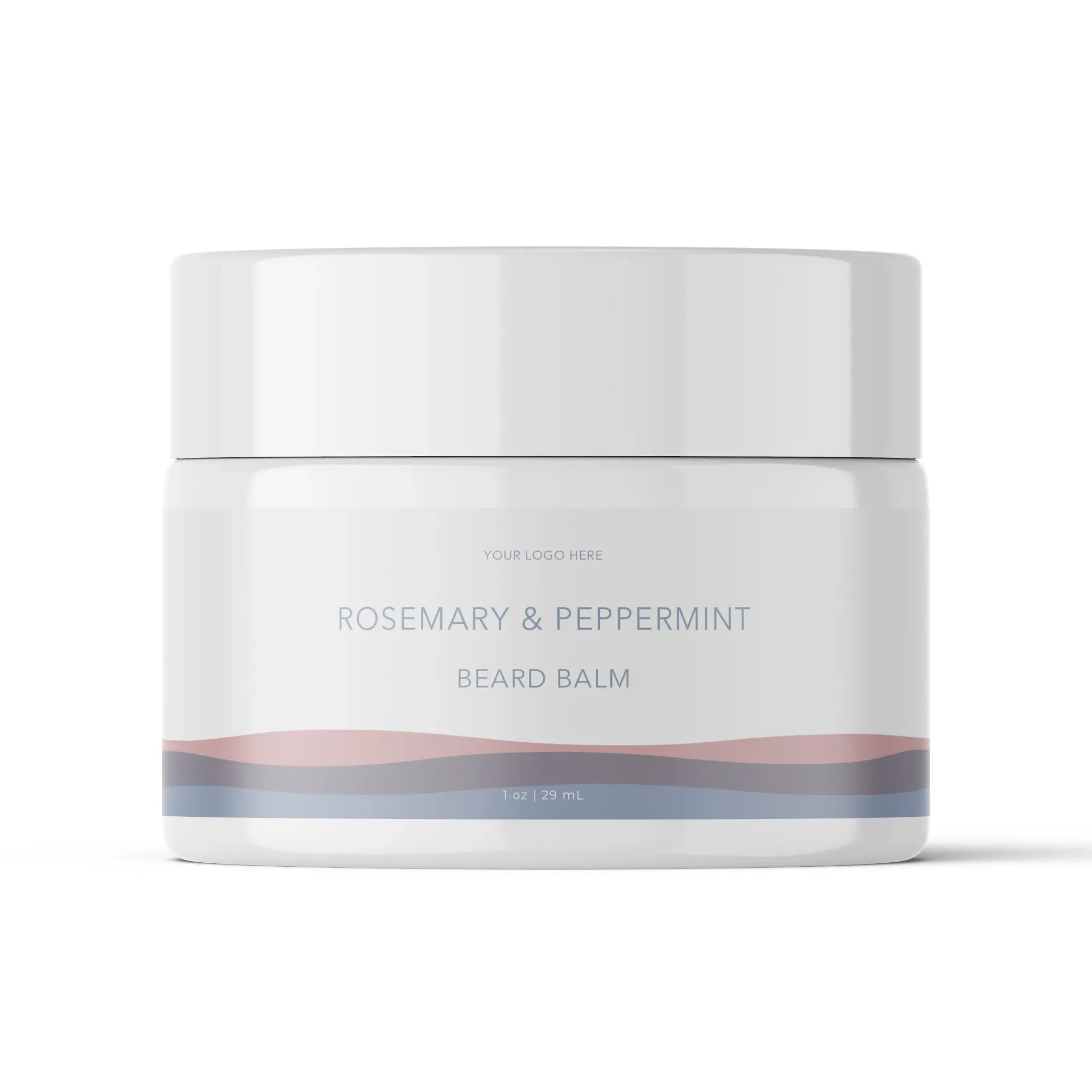
- Conditions and softens facial hair for a smoother, more manageable beard
- Provides natural hold for styling and shaping
- Promotes a healthy-looking beard and skin underneath
- Leaves a refreshing, herbal scent of rosemary and peppermint
Cera Alba (Beeswax), Theobroma Cacao (Cocoa) Seed Butter, Simmondsia Chinensis (Jojoba) Seed Oil, Ricinus Communis (Castor) Seed Oil, Butyrospermum Parkii (Shea) Butter, Persea Gratissima (Avocado) Oil, Rosmarinus Officinalis (Rosemary) Flower Oil, Mentha Piperita (Peppermint) Leaf Oil.
Maximum Recommended Trim Size: 4.625 x 1.9375 (w x h)
Please check the measurements and template with your container to ensure the desired fit. It is the customer's responsibility to conduct proper product compatibility testing with containers, closures, and decoration methods.
Bleeds: Include 1/8 inch bleeds, and keep all critical art at least 1/8 inch away from the trim line.
Colour: Use CMYK colour profile.
Acceptable file types: PDF, EPS. We prefer Adobe Illustrator and Adobe InDesign PDF files. We also accept Adobe Photoshop and EPS files. We cannot accept doc, docx, xls, pub, jpg, tiff, png, or bmp files.
Requirements: Provide all fonts with the file or convert fonts to outlines. Any placed raster images should be at least 300 dpi CMYK files. We also accept 300 dpi CMYK Photoshop files, but vector art will yield a superior print.
Working with PDF templates: Our templates are provided as PDF files. Your artwork should be created or exported from software that produces high-quality vector PDFs, preferably Adobe Illustrator, Adobe InDesign, or Adobe Photoshop. Vector art is preferred for crisp, scalable results.
Previewing PDF templates: You can preview your PDF template in Adobe Acrobat, Adobe Illustrator, or Adobe InDesign.
CAUTION: Some PDF viewers (like web browser PDF plugins) may not display your file to scale. Always check your artwork in professional software to ensure the correct size and layout before submission.
Maximum Recommended Trim Size: Check the specific template for your box dimensions (w x h x d).
Please verify all measurements with your physical box to ensure the correct fit. It is the customer’s responsibility to test product compatibility with boxes, closures, and printing methods.
Bleeds: Include 1/8 inch bleeds on all edges, and keep all critical artwork at least 1/8 inch away from the trim and fold lines.
Colour: Use CMYK color profile for accurate printing.
Acceptable file types: PDF, EPS. We prefer Adobe Illustrator and Adobe InDesign PDF files. We also accept Adobe Photoshop and EPS files. We cannot accept doc, docx, xls, pub, jpg, tiff, png, or bmp files.
Requirements: Provide all fonts with the file or convert fonts to outlines. Any placed raster images should be at least 300 dpi CMYK files. Vector artwork is preferred for clean, sharp printing.
Working with PDF templates: Templates are provided as PDFs with fold and cut lines. Create or export your artwork from software that produces high-quality vector PDFs, preferably Adobe Illustrator or Adobe InDesign. Vector art ensures sharp lines and scalable designs.
Previewing PDF templates: Open the PDF in professional software such as Adobe Acrobat, Illustrator, or InDesign to check scale, layout, and fold lines. Avoid using web browsers for printing previews, as they may not display to scale.