
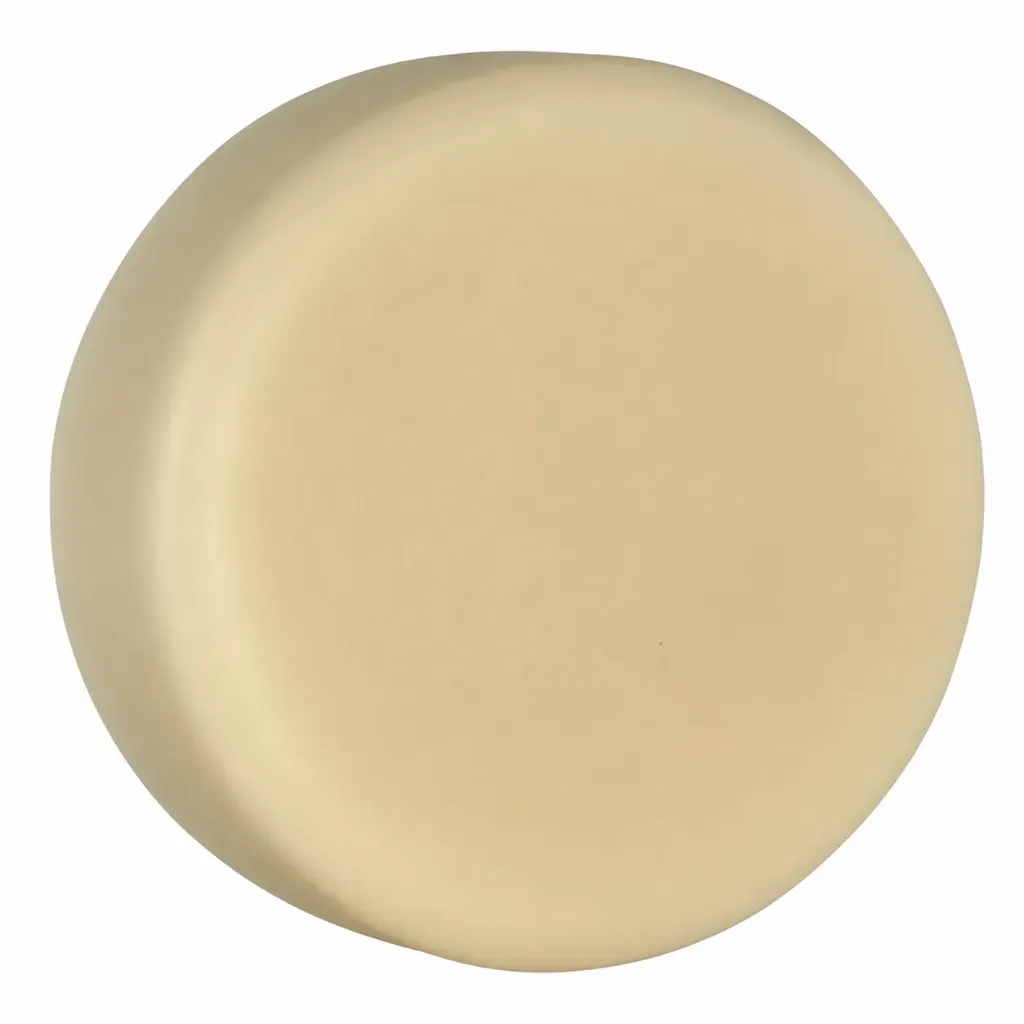
Product Details
KEY WORD DESCRIPTIONS
QUICK SELL GLIMPS 3-4 -This is being uploaded by the developer.
XXXXXX: This is being uploaded by the developer
WHY YOU'LL LOVE IT
• ✓ This is being uploaded by the developer
• ✓ This is being uploaded by the developer
• ✓ This is being uploaded by the developer
• ✓ This is being uploaded by the developer
• ✓ This is being uploaded by the developer
• ✓ This is being uploaded by the developer
LET'S GET YOUR BRANCH LAUNCH
• ✓ This is being uploaded by the developer
• ✓ This is being uploaded by the developer
• ✓ This is being uploaded by the developer
• ✓ This is being uploaded by the developer
• ✓ This is being uploaded by the developer
• ✓ This is being uploaded by the developer
PRODUCT HIGHLIGHTS
• ✓ This is being uploaded by the developer
• ✓ This is being uploaded by the developer
• ✓ This is being uploaded by the developer
• ✓ This is being uploaded by the developer
• ✓ This is being uploaded by the developer
• ✓ This is being uploaded by the developer
FORMULATED WITHOUT
• ✓ This is being uploaded by the developer
• ✓ This is being uploaded by the developer
• ✓ This is being uploaded by the developer
• ✓ This is being uploaded by the developer
• ✓ This is being uploaded by the developer
• ✓ This is being uploaded by the developer
THE "HERO" INGREDIENT(S)
XXXXXX: This is being uploaded by the developer
XXXXXX: This is being uploaded by the developer
XXXXXX: This is being uploaded by the developer
SCIENCE BEHIND THE FORMULA
Title about the scientific. This is being updated by the developer.
• ✓ This is being uploaded by the developer
• ✓ This is being uploaded by the developer
• ✓ This is being uploaded by the developer
• ✓ This is being uploaded by the developer
• ✓ This is being uploaded by the developer
DIRECTION OF USE
This is being uploaded by the developer
xxxxxxxxxx xxxxxxxxxx xxxxxxxxxx xxxxxxxxxx xxxxxx
xxxxxxxxxx xxxxxxxxxx xxxxxxxxxx xxxxxxxxxx xxxxxxxxxx xxxxxxxxxx xxxxxxxxxx xxxxxxxxxx xxxxxxxxxx xxxxxxxxxx xxxxxxxxxx xxxxxxxxxx xxxxxxxxxx xxxxxxxxxx xxxxxxxxxx xxxxxxxxxx
PROFESSIONAL & RETAIL OPPORTUNITIES
Talk about why it needs to make more money.
UPSELL OPPORTUNITIES
Turn every service into a more complete client experience with easy in-service upgrades and take-home retail recommendations.
TREATMENT-TO-TAKE-HOME UPSELL
During the service:
At checkout:
Suggested retail line:
IN-SERVICE UPGRADE
Suggested upgrade:[Insert service upgrade name]
How to use:
[Insert short description of how the product is incorporated into the service.]
Suggested add-on price:
$XX–$XX
TAKE-HOME RETAIL OPPORTUNITY
Recommend the product as a natural extension of the professional service. Demonstrate proper use during the appointment and explain how regular at-home use can help support the client’s ongoing beauty or wellness routine.
BEST PAIRED WITH
[Product 1] + [Product 2] + [Product 3]
RETAIL BUNDLE IDEA
Create a simple take-home routine or treatment bundle to increase average transaction value.
SUGGESTED BUNDLE
[Product] + [Product] + [Product]
POSITIONING
[Insert short explanation of the routine, benefit, or client need this bundle addresses.]
PRODUCT DETAILS
Retail: XXX
Back Bar: XXX
MOQ: Start with as few as 12 units. Professional cosmetic manufacturing designed to grow with your brand.
RECOMMENDED ORDER TIERS
12–25 Units — Salons, spas and independent retailers
26–149 Units — Established brands, multi-location salons and boutiques
150+ Units — Wholesale growth and larger retail accounts
300+ Units — Smaller distributors and high-volume retail
2000+ Units — National distributors and large-scale expansion
STANDARD PACKAGING INFO
BOTTLE / JAR
SKU: To be assigned
Bottle Material: Plastic - Glass - PET - HDPE - LDPE - Tube- Aluminum
Closure Type: XXX
Colour: White or Black
Upgrade Closure Colour: Matte Silver or Gold
STOCK packaging Change Request:
40-79 bottles change fee of $45/ Per SKU
80+ bottles No Charge (No Charge)
CUSTOMER Supplied Packaging:
40-79 bottles change fee of $45/ Per SKU
80+ Bottles No Charge (No Charge)
*Label Die fee charged if Label die not in available
**Packaging Assessment may be required $70
CUSTOM Ordered Packaging:
Including Screen printing & Foil Stamping (MOQ Order 500 pcs, Rounded to Full Case)
Custom Shapes MOQ Starting at 10,000 units (Plastic)
*Customers who wish to purchase Screen printed bottles may run 80 pcs per order for no charge. CLC will stock remainder of bottles in stock as required (as a sales rep for more details and fee schedule)
PRODUCT TECHNICAL INFO
pH: XXX
Appearance: XXX
Colour: XXX
Odour: XXX
Product Type: XXX
Recommended Use: XXX
Shelf Life: Target 24 months; subject to stability and preservation testing
Storage: Store in a cool, dry place away from sunlight and excessive heat
*Based On Proper Storage
INCI / INGREDIENT DECK
Ingredients / Ingrédient:
*INCI Revised Date Sept 22, 2026 (81 EU Allergen statement updated only)
**EU 81 Allergens added (based on essential oil/ Fragrance oil added to stock formula). Altering this fragrance will remove the indicated ingredients added with ** and update it based on the Fragrance Declaration listed below
Please refer to :CLC Fragrance 81 EU - Declaration A or B.
COMPLIANCE, REGULATORY & SAFETY CAUTIONS
Certifications / Compliance
Health Canada Cosmetic Notification Required
USA - MoCRA - Non-Compliant (Use Around Eyes, See below for usage with MoCRA)
- EU Compliant
- USA- MoCRA prohibits and product that is listed to be applied around the eye orbital. Customers shipping to the USA will need to ensure MoCRA compliance and regulatory claims.
Manufactured in Accordance with Cosmetic GMP Guidelines
- Our products are manufactured following Good Manufacturing Practices (GMP) and manufacturing procedures aligned with ISO 22716:2007 — Cosmetics: Good Manufacturing Practices (GMP).
- ISO 22716:2007 provides internationally recognized guidelines for the production, control, storage and shipment of cosmetic products. Cosmetic Labs Canada follows these principles as part of our commitment to product quality, consistency, traceability and responsible manufacturing.
SAFETY & LABEL CAUTIONS
*No Safety Information is mandatory
Recommended Safety:
CAUTION: For external use only. Avoid contact with eyes. Discontinue use if irritation occurs. Consult a healthcare practitioner if irritation persists.
LABEL CLAIMS
*CLAIM DISCLAIMER: The claims listed above have been reviewed and approved by Cosmetic Labs Canada (CLC) for use with this product. Any additional, modified, or expanded claims made by the client, brand, retailer, or company have not been reviewed or approved by CLC. The brand is solely responsible for ensuring that any claims it adds to its product labels, packaging, advertising, website, social media, or other marketing materials comply with all applicable regulatory requirements. CLC assumes no responsibility for claims made, modified, or suggested by the brand without prior written approval from CLC.